How to Relaunch a Listing
- Go to the “Listings” tab
- Change the “Show” drop-down from ‘Active’ to ‘Relaunchable’
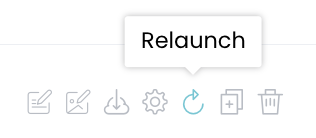
- Select the relaunch icon to the right of the listing
Note: Listings can also be relaunched via the “Edit Design” button.
Note: Listings can also be relaunched via the “Edit Design” button.